
Dimensions Module
Dimensions Module
Dimensions are the ERP's analysis layer for projects, cost centers, contracts, branches, or other management views that cut across normal accounts. They are lightweight to set up, but powerful because they travel with transactions across the system.
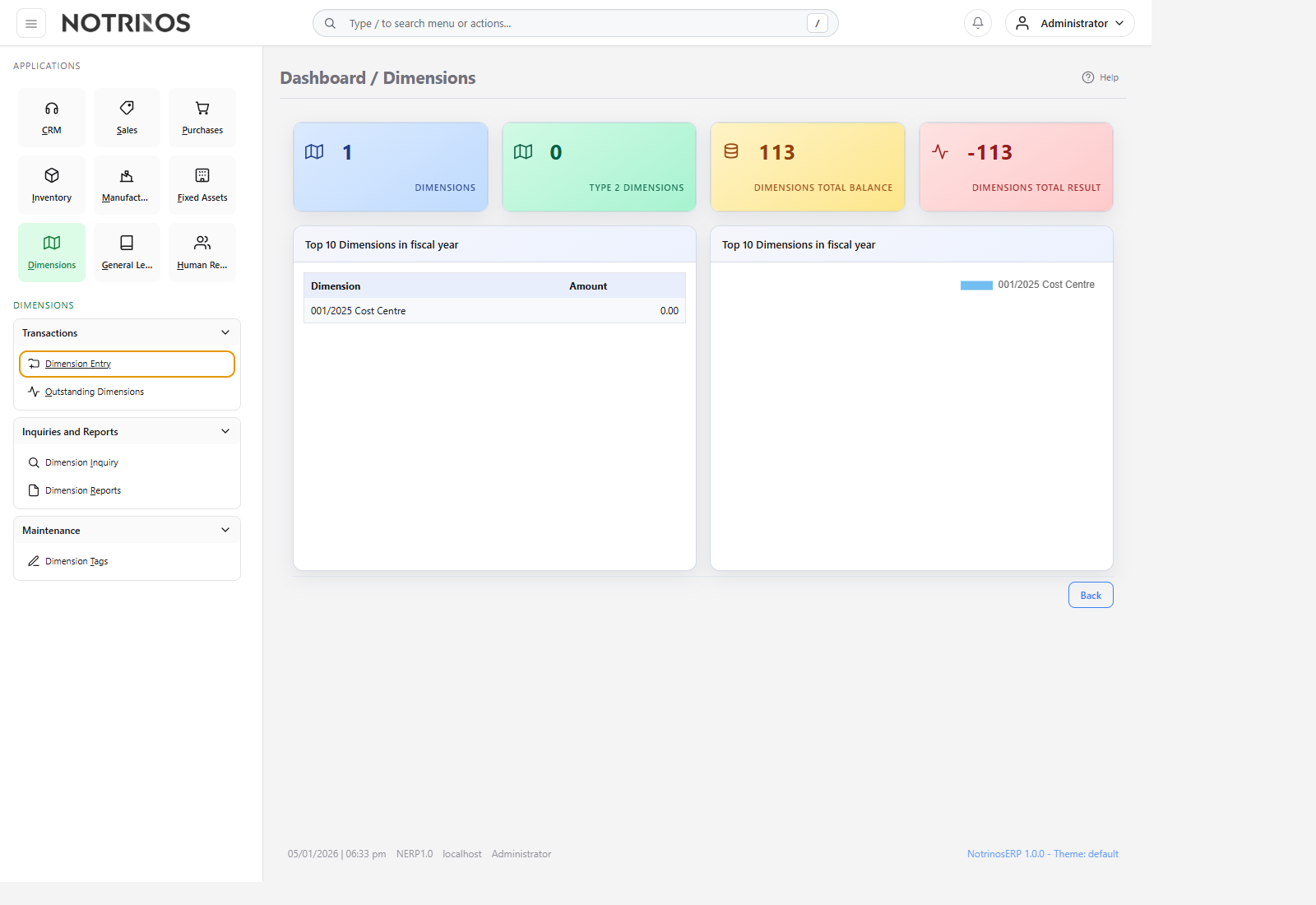
What users do here
- Create Dimension 1 and Dimension 2 records for reporting structure.
- Tag and organize active dimensions.
- Review open work, lifecycle dates, and summarized activity from inquiry screens.
- Close completed dimensions to stop further posting.
Typical workflow
- Create a dimension for the project, branch, department, or cost center you want to track.
- Assign it to journals and source transactions where analysis matters.
- Monitor results through dimension inquiries and reports during execution.
- Close the dimension when the work is complete.
Start with these pages
Connected modules
- Dimensions sharpen reporting in General Ledger and can also be applied on sales, purchasing, payroll, and other operational transactions.
- They are often the easiest way to add project profitability or departmental cost visibility without redesigning the chart of accounts.
First-look advice
- Keep the naming convention simple and consistent; reporting becomes confusing faster here than in transaction screens.
- Decide early whether Dimension 1 and Dimension 2 represent different business views, such as project and department.