
Setup Module
Setup Module
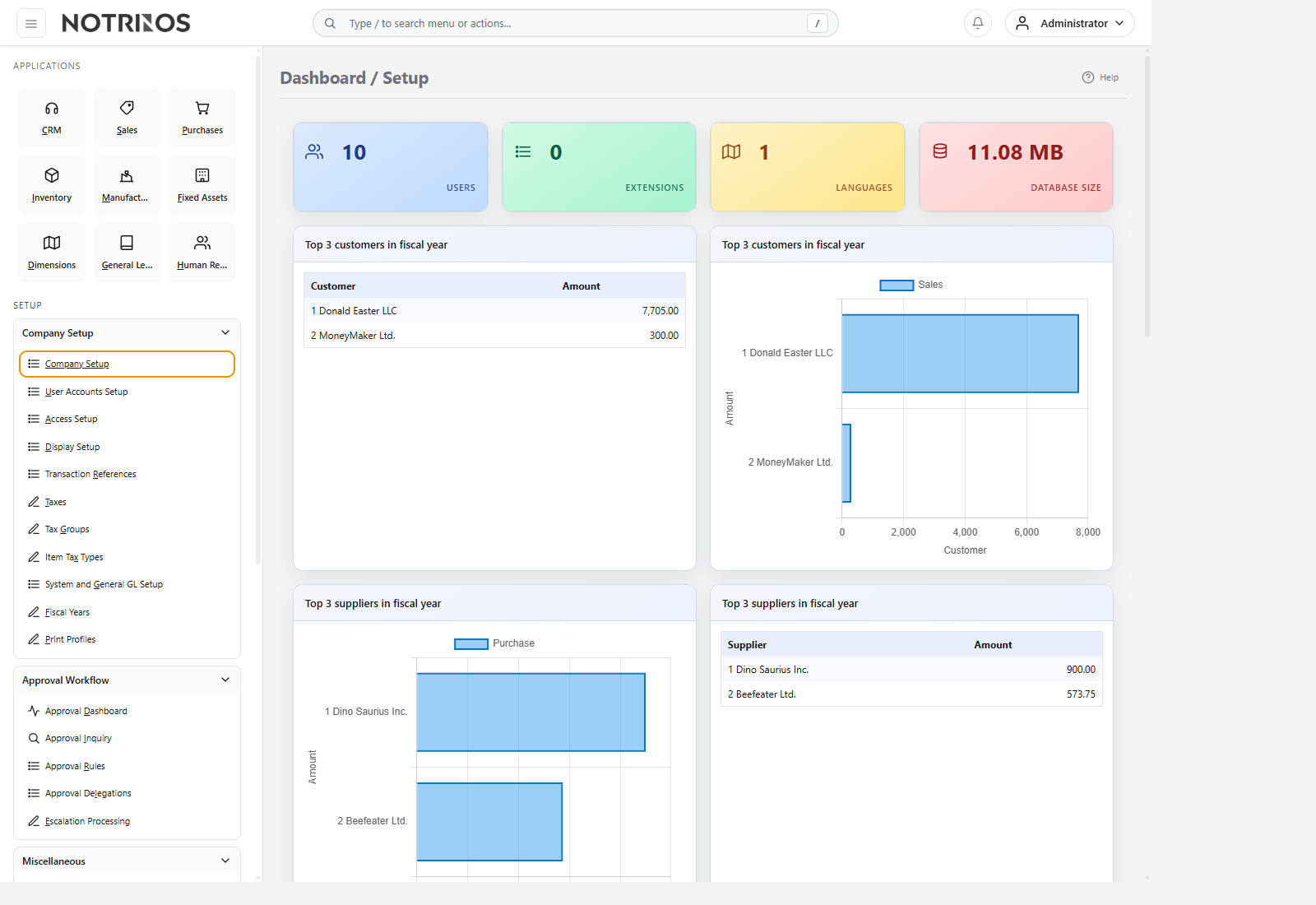
Setup is the control room for NotrinosERP. It is where administrators define company foundations, security, numbering, taxes, approval workflow, maintenance tools, and system-wide behavior used by every operational module.
What users do here
- Configure company identity, accounting defaults, taxes, fiscal years, and transaction references.
- Create users and assign access roles through Users and Access Setup.
- Maintain approval workflow tools such as the Approval Dashboard, Approval Inquiry, Approval Rules, Delegations, and Escalation Processing.
- Run backup, restore, diagnostics, extensions, language, chart-of-accounts, and theme administration.
- Maintain shared supporting masters like payment terms, printers, contact categories, and shipping companies.
Typical workflow
- Start with Company Setup and System and General GL Setup.
- Define fiscal years, taxes, display preferences, and document reference numbering.
- Create users and assign security roles before handing over the system to departments.
- Enable optional features, approval rules, printers, and maintenance tools as needed.
- Use diagnostics, backups, and transaction review tools for ongoing administration.
Start with these pages
Connected modules
- Every application depends on Setup for company defaults, security, and shared master configuration.
- Setup is also where administrators maintain approval workflow access and the tools that keep the ERP stable over time.
First-look advice
- Do core foundation work first and cosmetic or optional setup later.
- Treat roles and permissions carefully; most support issues start with access configuration or missing company defaults.