
Sales Module
Sales Module
The Sales module turns demand into quotations, orders, deliveries, invoices, collections, and after-sales follow-up. This guide mirrors the high-level structure of ERPNext's Selling documentation while staying aligned to the actual NotrinosERP sales feature set.
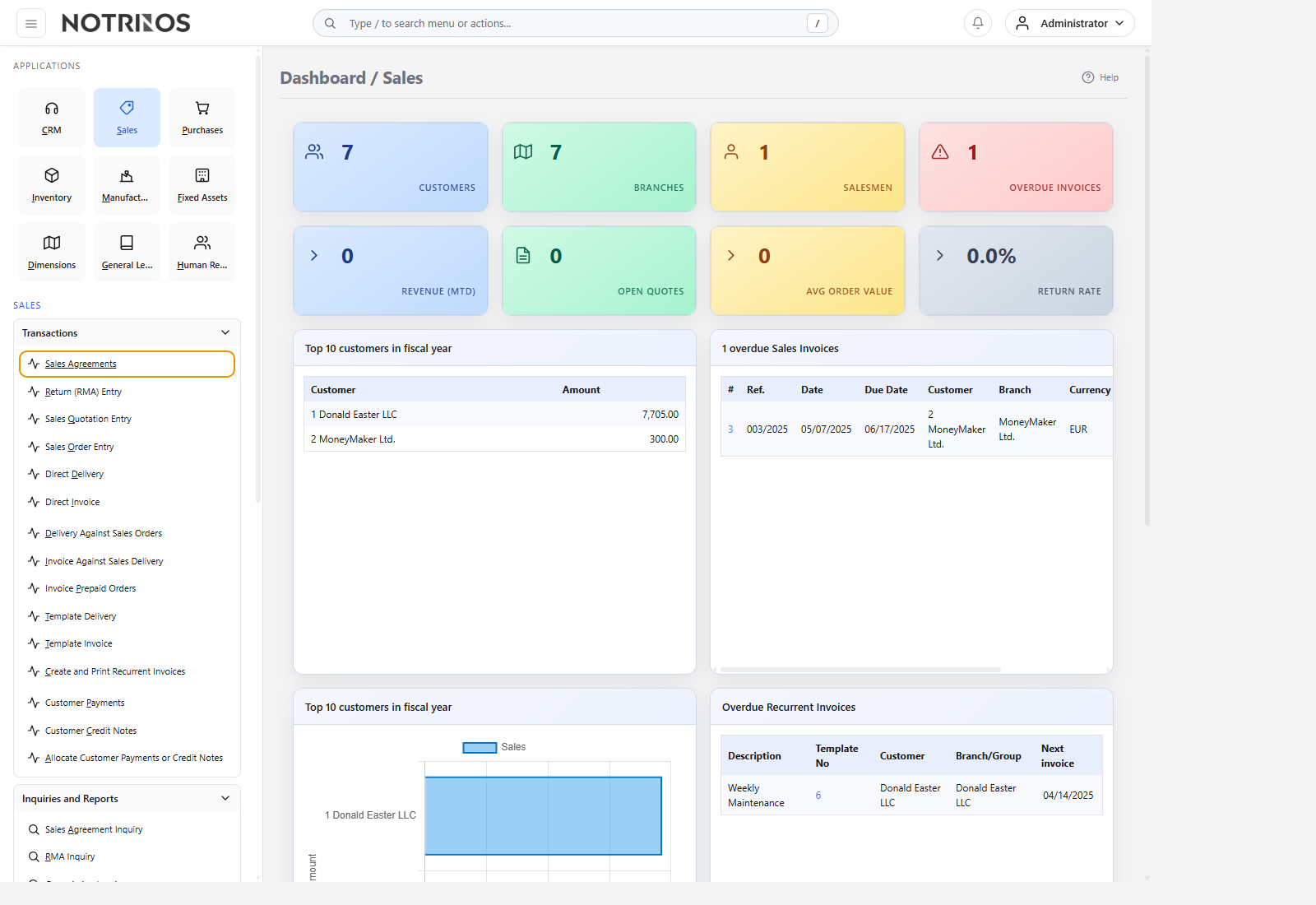
Section structure
- Introduction - what the sales module controls and how it connects to inventory, CRM, and finance.
- Setup - customers, branches, pricing, salespeople, and commercial control data.
- Features - quotations, orders, deliveries, invoices, returns, agreements, dashboards, and related workflows.
- Reports - KPI dashboards, performance analysis, margin review, and transaction monitoring.
Typical workflow
- Complete setup so customer, branch, pricing, and credit data are ready.
- Create a quotation or move directly to sales order entry, depending on your commercial process.
- Deliver and invoice through the appropriate fulfillment path.
- Record customer payment, allocation, return, or credit correction as needed.
- Use reports and dashboards to review conversion, revenue, overdue exposure, margin, and performance.
Start with these pages
Connected modules
- Sales depends on CRM for demand handoff, Inventory for availability and delivery, and General Ledger for receivables and revenue posting.
- Pricing, discount, agreement, and commission features help control commercial policy.
- Returns, credit notes, and delivery-linked warehouse activity complete the order-to-cash flow.
First-look advice
- Learn the difference between quotation, order, delivery, invoice, credit note, and payment before processing live transactions.
- Check customer credit status, payment terms, and location availability early so order release stays predictable.