
Run the Payroll Cycle
Use this workflow to prepare, calculate, review, approve, and release payroll in a controlled sequence.
Before the pay period
- Complete departments, positions, grades, shifts, pay elements, salary structures, leave types, overtime rules, deductions, and employee records.
- Confirm payroll calendars, bank details, tax or statutory settings, and approval roles.
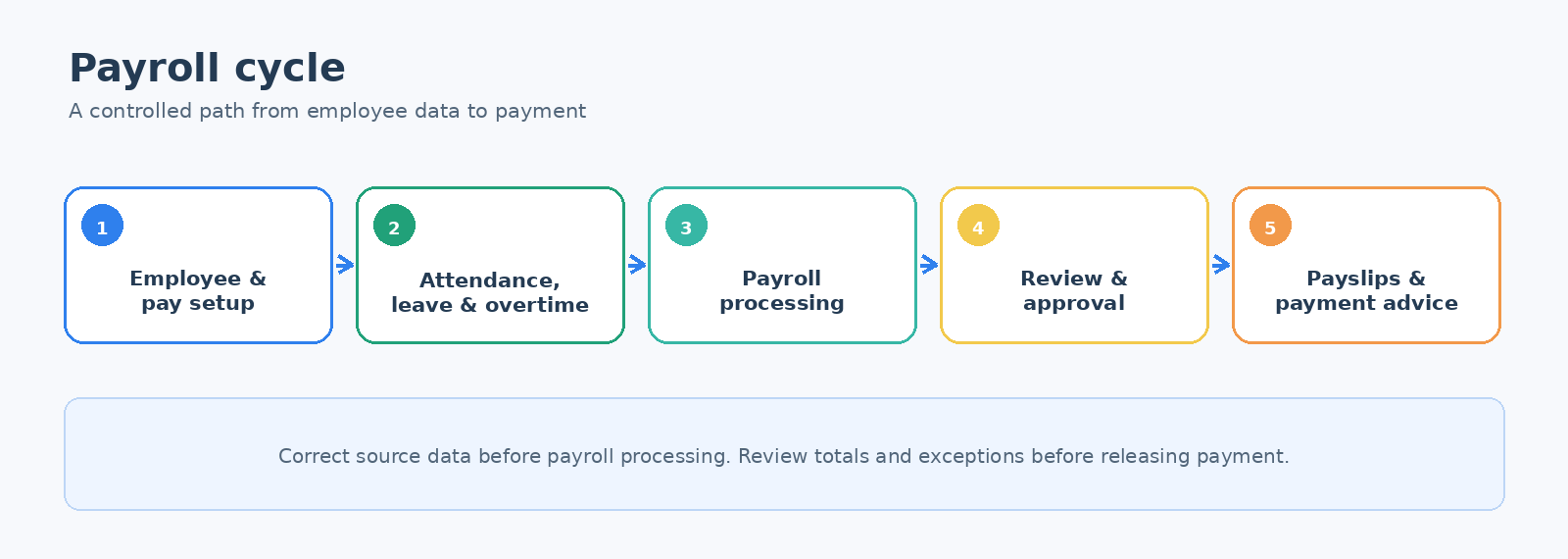
Payroll workflow
- Maintain source data. Keep employee records and salary assignments current.
- Complete attendance. Review Attendance Sheet or Attendance Entry.
- Finish variable inputs. Approve leave, overtime, loans, deductions, bonuses, and other period adjustments.
- Process payroll. Use Payroll Processing for the selected period and employee group.
- Review results. Compare payroll summary, employee transactions, exception reports, and a sample of payslips.
- Approve payroll. Use Payroll Approval when enabled.
- Release payment output. Prepare Payment Advice or Payment Batch according to your process.
Control checks
- Employee count and total net pay are reasonable compared with the prior period.
- New hires, leavers, unpaid leave, overtime, bonuses, deductions, and salary changes are visible and supported.
- Payroll cost and liability accounts are correct.
- Approval is complete before payment files or advice are released.
Important: Correct attendance and employee setup before processing payroll. Do not use manual payroll adjustments to hide recurring setup problems.