
Inventory Module
Inventory Module
Inventory is the operational source of truth for items, stock quantities, locations, movement history, and warehouse execution. This guide follows a module structure similar to ERPNext's Stock documentation, but every section is mapped to features that exist in NotrinosERP.
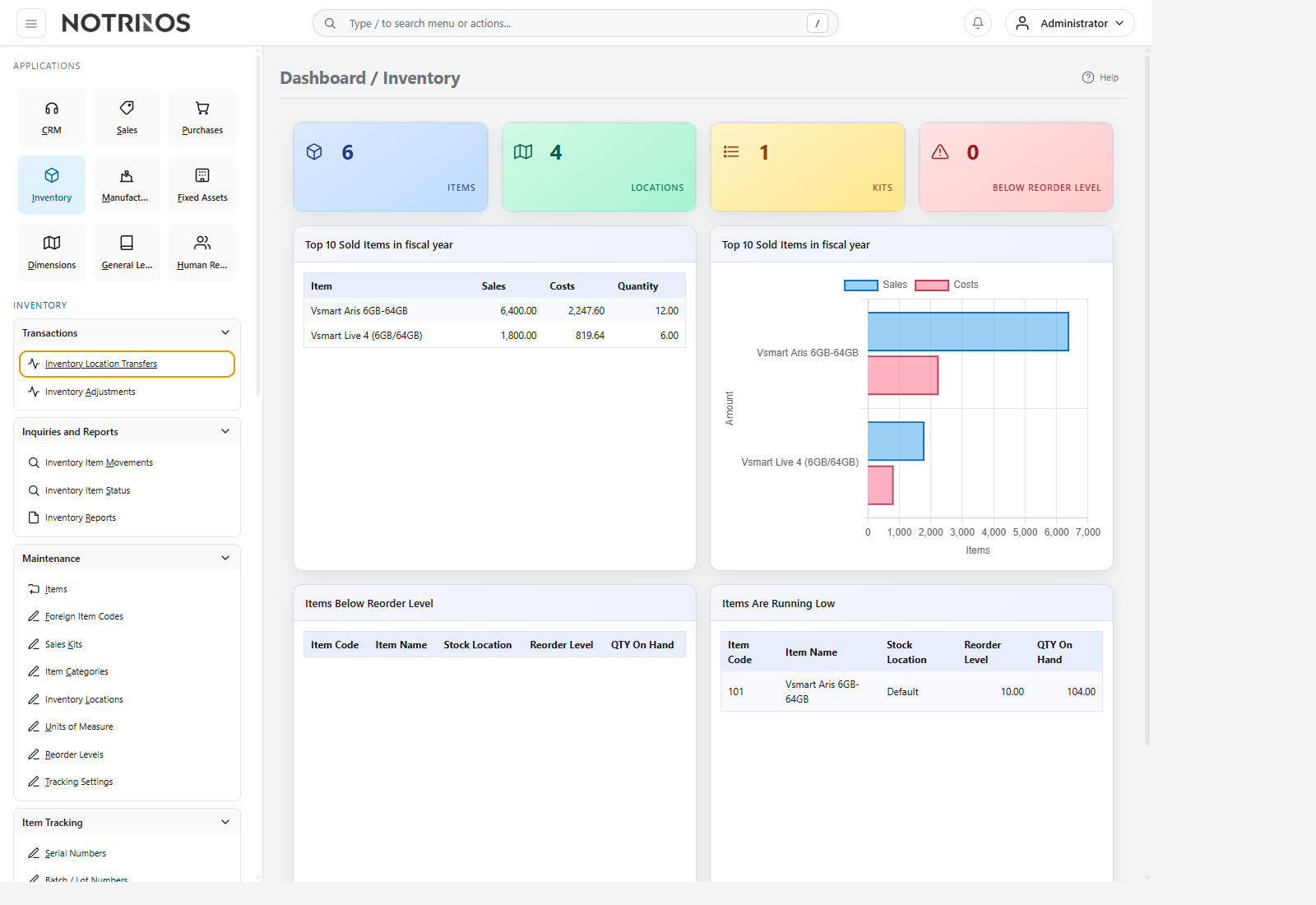
Section structure
- Introduction - module purpose, daily operating flow, and cross-module context.
- Warehouse - warehouse hierarchy, WMS location model, and operational flow.
- Setup - item masters, units, categories, locations, reorder data, and tracking foundations.
- Features - warehouse execution, traceability, quality, replenishment, scrap, and mobile tools.
- Tools - operational utilities for status review, movement tracing, valuation support, and warehouse optimization.
- Reports - dashboards, analytical reports, and exception-driven review screens.
Typical workflow
- Complete setup first so items, units, categories, and locations behave consistently.
- Use warehouse configuration to decide how detailed the physical layout and WMS flow should be.
- Run the day-to-day execution features in Features for receipts, putaway, picking, transfers, replenishment, counting, and traceability.
- Use Tools and Reports to investigate exceptions before changing master data.
Start with these pages
Connected modules
- Purchases increases stock, Sales consumes it, Manufacturing transforms it, and General Ledger values it.
- WMS, traceability, and quality controls extend the same item and location foundation rather than replacing it.
- Accurate inventory records reduce exceptions in order fulfillment, procurement, costing, and after-sales work.
First-look advice
- If stock looks wrong, check movement history, item status, and warehouse activity before editing masters.
- Treat item setup, location setup, and tracking setup as one design decision; replenishment, barcode, serial, batch, quality, and warranty tools all depend on it.