
Manufacturing Module
Manufacturing Module
The Manufacturing module manages how components become finished goods. It centers on bills of material, work centres, work orders, and production visibility, while staying tightly linked to stock and costing.
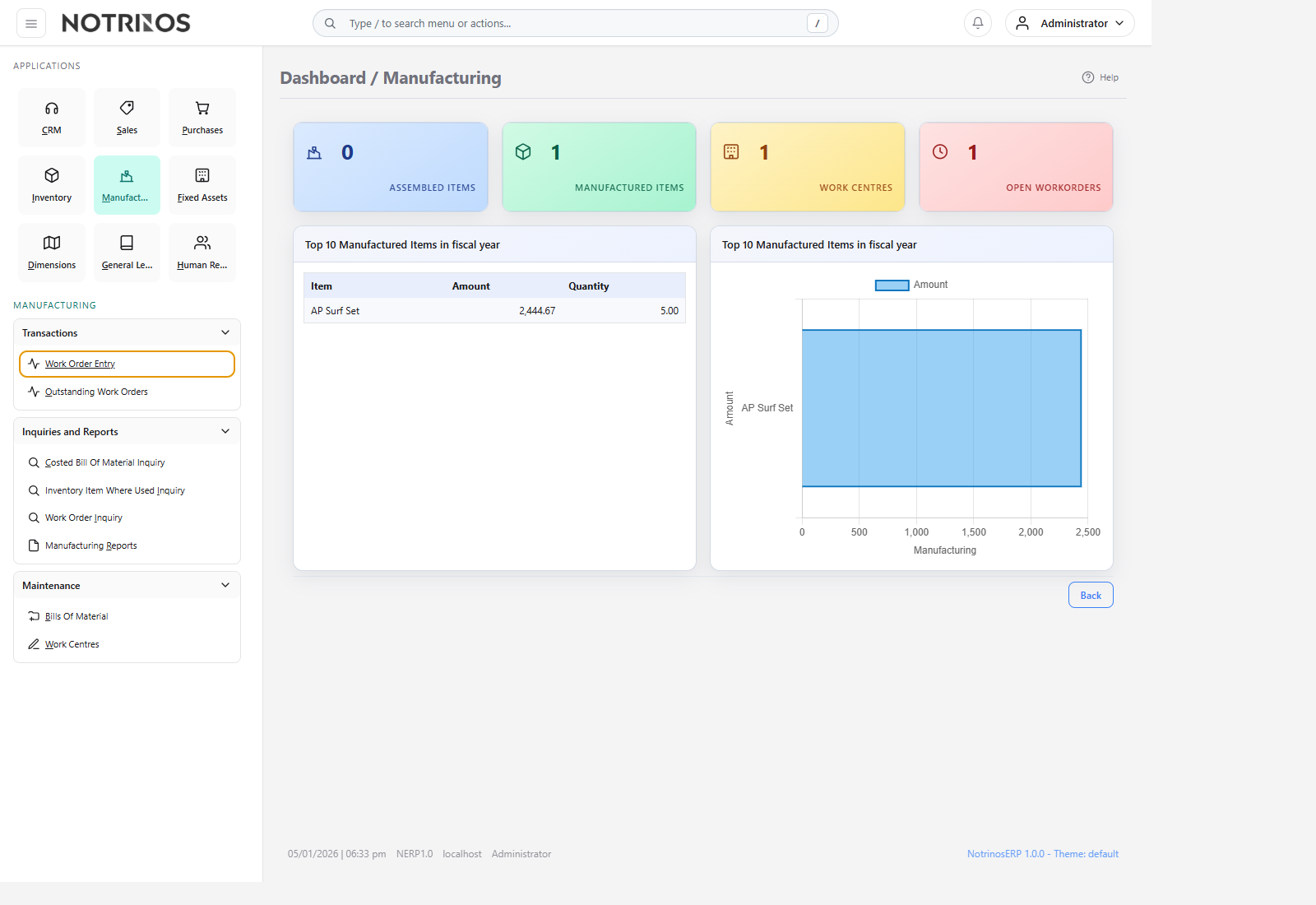
What users do here
- Define product structures in Bills Of Material.
- Set up work centres to represent production steps or responsibility areas.
- Create and track work orders for assembly or unassembly.
- Review costed BOMs, where-used impact, open work orders, and manufacturing reports.
Typical workflow
- Build the BOM for each manufactured item.
- Confirm the right work centres and component quantities.
- Create a work order for the planned quantity and due date.
- Issue components, record finished output, and monitor open orders.
- Use costed BOM and where-used inquiries when changing design or troubleshooting cost impact.
Start with these pages
Connected modules
- Manufacturing draws components from Inventory and returns finished goods back into stock.
- BOM accuracy affects material planning, order fulfillment, and costing across the ERP.
- Where-used inquiry helps teams understand the ripple effect of component changes before they happen.
First-look advice
- Master the difference between product definition (BOM) and execution (work order) before handling live production.
- When costs look wrong, inspect the BOM, item costs, and work order history together.