
Quote to Cash
Use this workflow to move from a customer request to a fully settled receivable.
Before you begin
- The customer and at least one branch must exist.
- Item prices, tax settings, sales type, payment terms, and inventory locations should be configured.
- Confirm that the customer is active and within the permitted credit policy.
Workflow
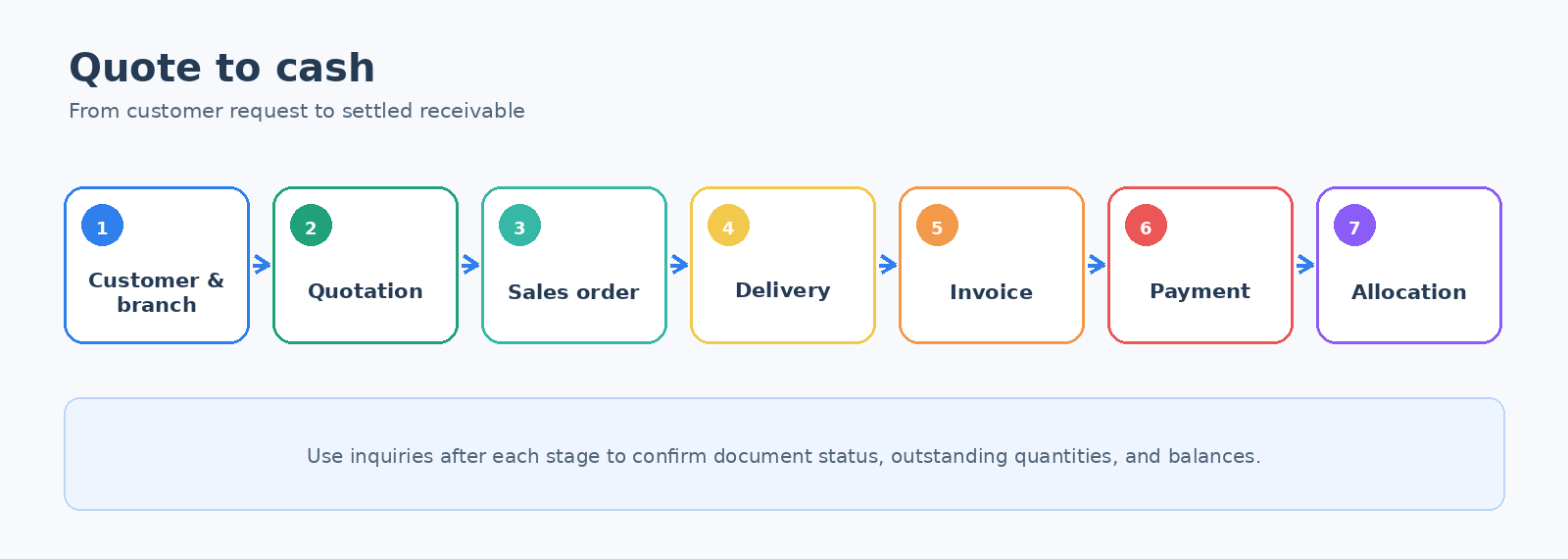
- Set up the customer. Create or review Customers and Customer Branches.
- Prepare a quotation. Use New Sales Quotation Entry when the customer needs a formal offer.
- Confirm the sale. Create a Sales Order or convert the accepted quotation according to your process.
- Deliver the items. Use Deliver Items for a Sales Order. A partial delivery leaves the remaining quantity open.
- Create the invoice. Use Issue an Invoice for a Delivery Note.
- Record the receipt. Enter the amount in Customer Payment Entry.
- Match the payment. Use Allocate Customer Payment or Credit Note when the payment was not allocated automatically.
Verify the result
- The order and delivery inquiries show no unexpected outstanding quantity.
- The customer transaction inquiry shows the invoice and payment.
- The allocation inquiry shows the payment applied to the correct invoice.
- Inventory and General Ledger balances reflect the completed documents.
Tip: Use Outstanding Sales Orders and Not Invoiced Deliveries as daily work queues.
Corrections
- Use a customer credit note for an invoicing correction or approved return.
- Do not enter a second payment to fix an allocation error; correct the allocation instead.
- Follow your organization's voiding or reversal procedure for posted documents.