
Inventory Operations
Use this guide to understand how common transactions change stock at each location.
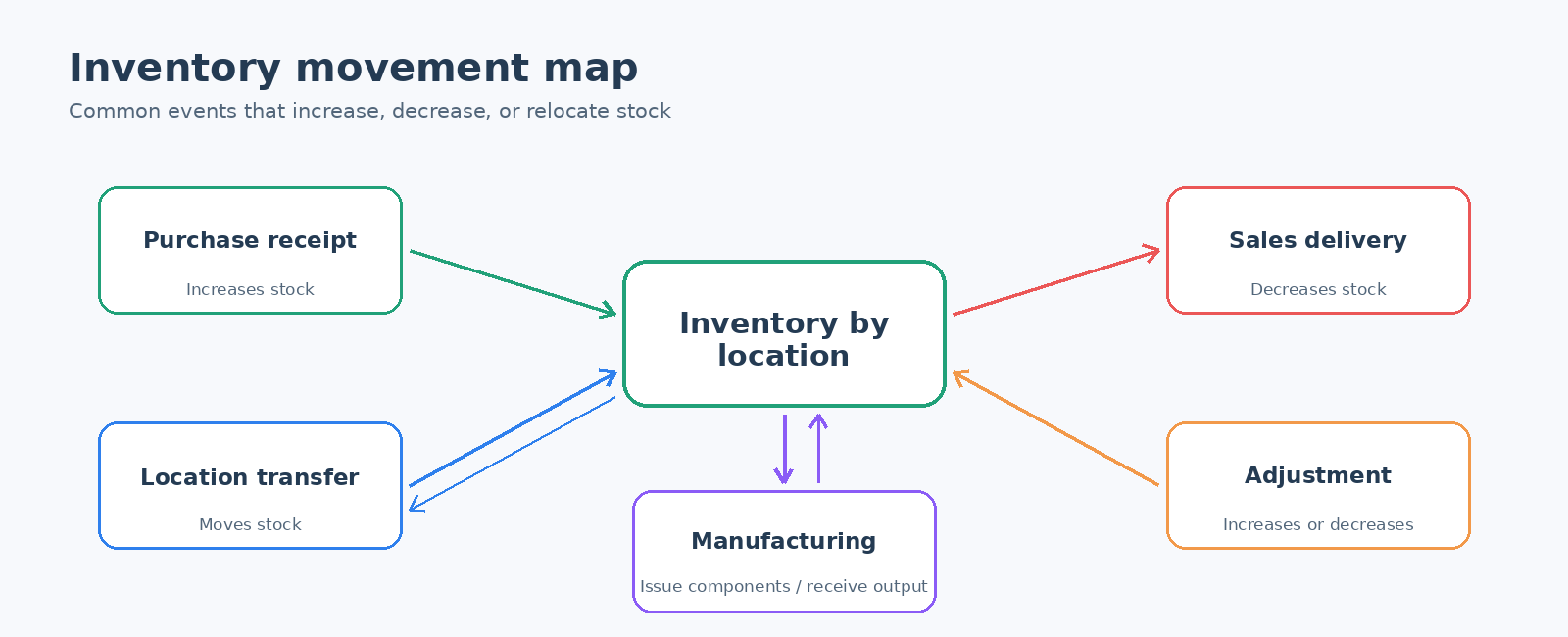
Before you begin
- Create the item, category, units, and inventory locations.
- Confirm the item's inventory and cost settings.
- Check the transaction date and source/destination location before processing.
Common movements
| Business event | Use this task | Stock effect |
|---|---|---|
| Supplier shipment arrives | Receive Purchase Order Items | Increases the receiving location |
| Stock moves between warehouses | Inventory Location Transfers | Decreases the source and increases the destination |
| Count difference, damage, or correction | Item Adjustments Note | Increases or decreases one location |
| Customer order is dispatched | Deliver Items for a Sales Order | Decreases the delivery location |
| Components are issued to production | Issue Items to Work Order | Decreases component stock |
| Finished goods are produced | Produce Finished Items | Increases finished-item stock |
Verify a movement
- Open Inventory Item Status to confirm quantity by location.
- Open Inventory Item Movement to confirm the transaction date, reference, quantity, and running balance.
- Review the resulting document when a transfer or adjustment needs approval or audit evidence.
Tip: Never use an adjustment when a transfer, receipt, delivery, or production transaction correctly represents the business event. Correct transaction types preserve a clearer audit trail.