
Reports and Analysis
Reports and Analysis is the shared reporting engine behind NotrinosERP. Users typically enter it from a module's report menu, choose a report set, then supply filters and output options to turn transaction data into printable or reviewable information.
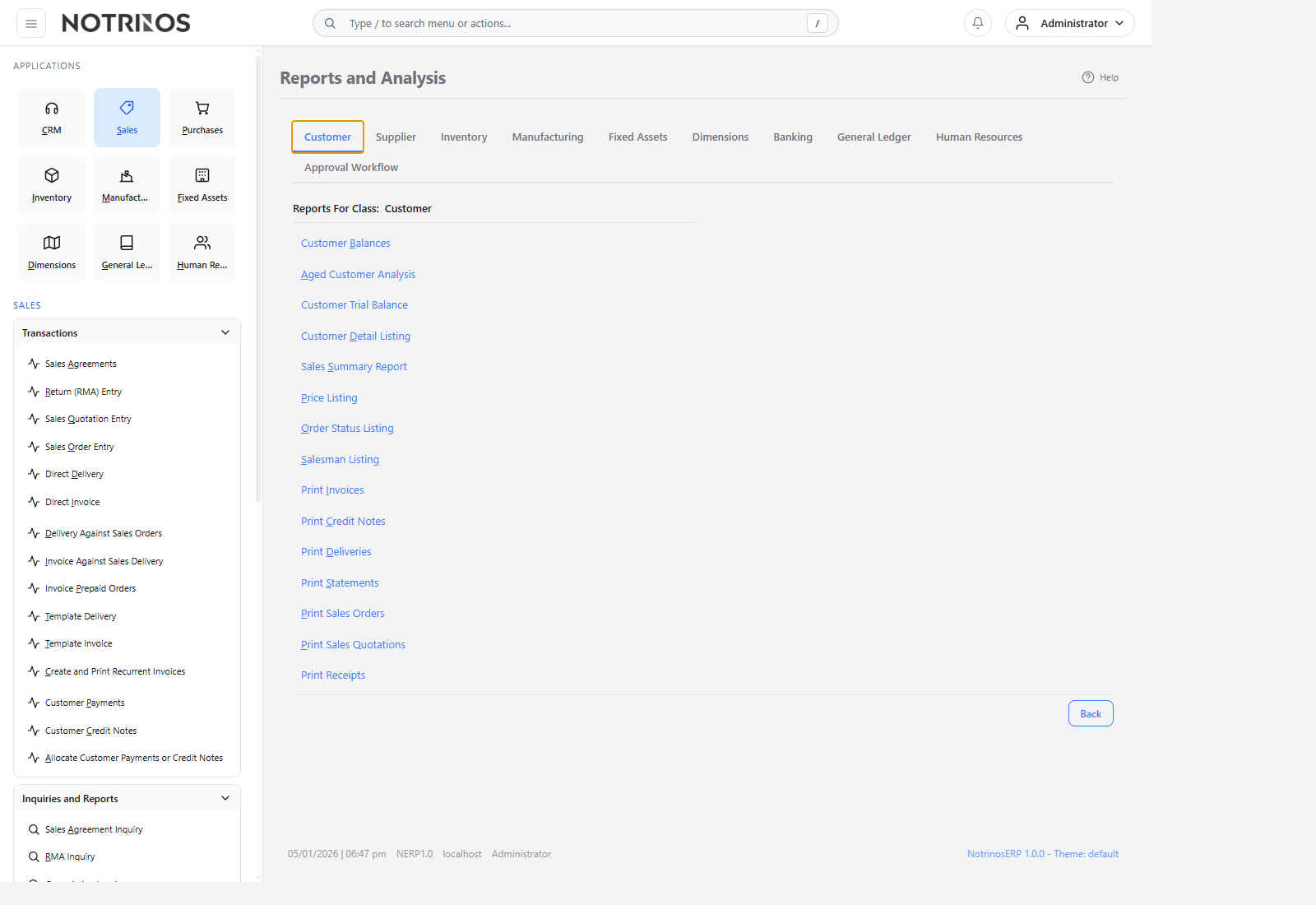
What users do here
- Open report groups from Sales, Purchases, Inventory, Manufacturing, Dimensions, Fixed Assets, Banking, General Ledger, and Approval Workflow.
- Choose a report, set filters, and decide whether to preview, print, or generate a file output.
- Review both operational listings and management summaries such as aging, stock, work order, balance sheet, and profit-and-loss views.
Typical workflow
- Enter Reports and Analysis from the module whose data you want to review.
- Select the report category or report title.
- Set dates, accounts, dimensions, people, locations, or other parameters.
- Preview the result and adjust filters until the output is useful.
- Print or distribute the final result when needed.
Common report areas
- Customer and Sales reports.
- Supplier and Purchasing reports.
- Inventory and warehouse reports.
- Manufacturing and BOM reports.
- Financial statements and ledger analysis.
- Dimension, fixed assets, and approval workflow reporting.
Start with these pages
First-look advice
- Always confirm your date range and company context before trusting a report.
- Use operational inquiries for day-to-day detail and reports for review, printing, and management analysis.