
Fixed Assets Module
Fixed Assets Module
The Fixed Assets module tracks long-lived assets from acquisition to disposal. It combines operational control of asset location and classification with the accounting impact of depreciation, sale, revaluation, and write-off.
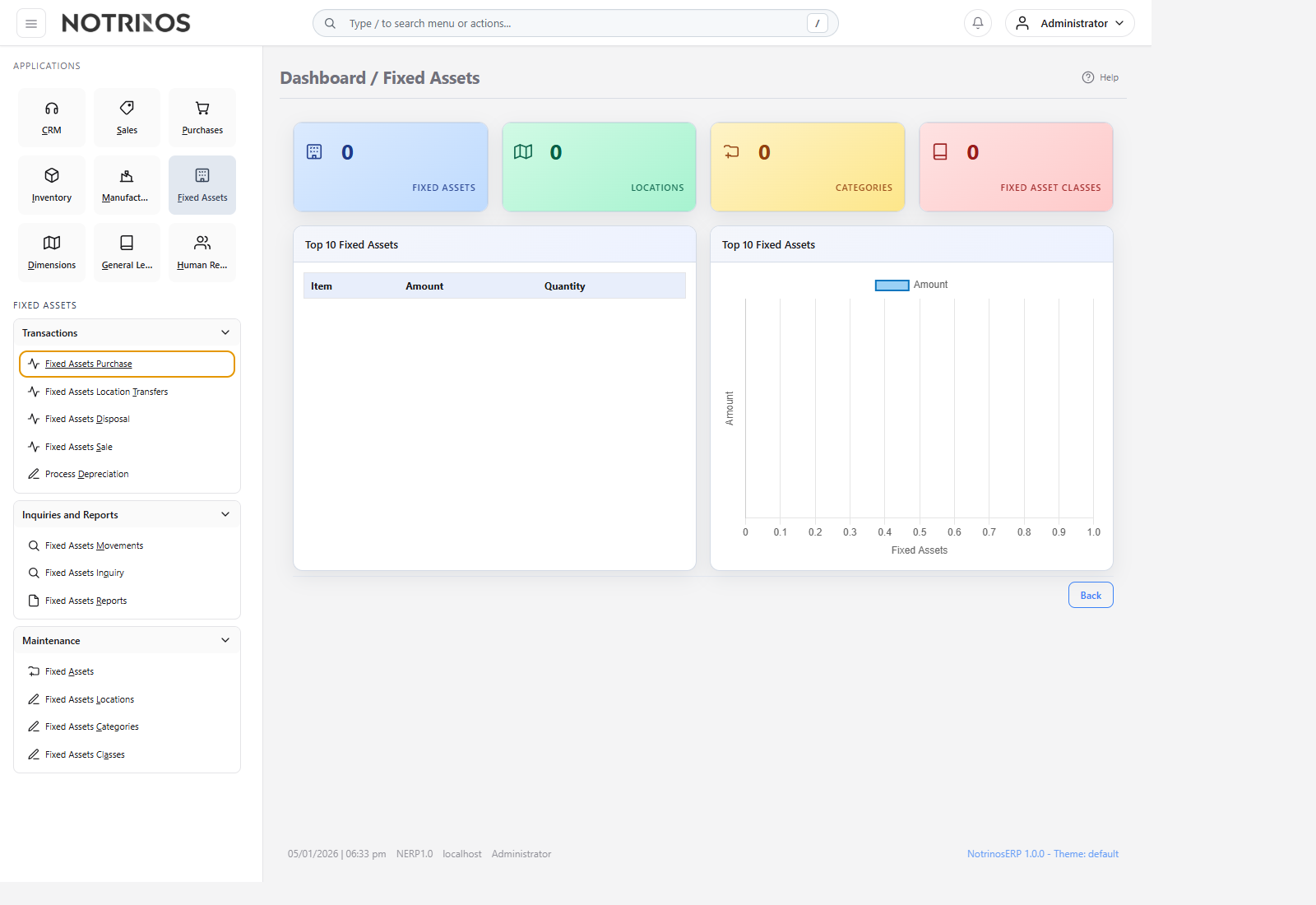
What users do here
- Define asset classes, categories, and physical locations.
- Acquire fixed assets through purchasing or direct asset transactions.
- Move assets between locations and keep a full movement history.
- Run depreciation processing and review balances through inquiry and reports.
- Dispose, sell, or revalue assets when business conditions change.
Typical workflow
- Set up the class, category, and location before creating live assets.
- Acquire the asset and confirm its cost, useful life, and responsible location.
- Process depreciation on schedule and review inquiry screens regularly.
- Transfer or revalue the asset when its use changes.
- Dispose or sell the asset and let the system post the financial impact.
Start with these pages
Connected modules
- Purchases handles acquisition, Sales can handle asset sale, and General Ledger receives the accounting entries behind each lifecycle event.
- Asset locations give operations and finance the same view of where equipment sits and what it is worth.
First-look advice
- Do not start with depreciation. Start with clean class, category, and location setup so later processing stays consistent.
- Use inquiry and movement history to confirm what changed before making corrections.