
Purchase to Payment
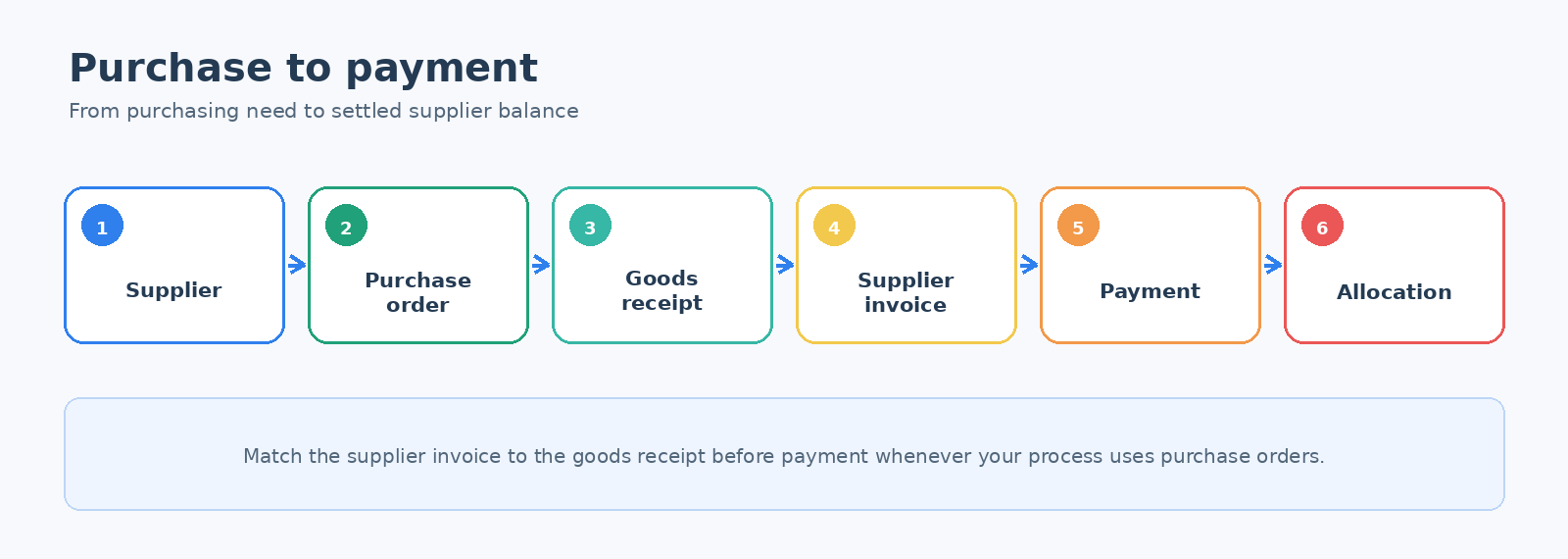
Use this workflow to buy goods or services, record what was received, recognize the supplier liability, and settle it.
Before you begin
- The supplier must be active and have suitable payment terms, currency, tax, and purchasing data.
- Inventory items and receiving locations must exist for stock purchases.
- Confirm the required expense, inventory, tax, and payable accounts.
Workflow
- Review the supplier. Create or update Suppliers.
- Create the purchase order. Use Purchase Order Entry and send the approved order to the supplier.
- Receive the goods. Use Receive Purchase Order Items when the shipment arrives.
- Enter the invoice. Match the supplier invoice to the receipt in Enter Supplier Invoice.
- Make the payment. Use Supplier Payment Entry.
- Allocate the payment. Use Allocate Supplier Payment or Credit Note when necessary.
Verify the result
- The purchase order inquiry shows the correct received and invoiced quantities.
- Supplier inquiry shows the invoice, payment, and remaining balance.
- Inventory increased at the correct location for stocked items.
- Bank and General Ledger entries use the intended accounts and dates.
Important: Enter the supplier's invoice number accurately. Duplicate references can cause duplicate liabilities and duplicate payment risk.