
Create a Purchase Order
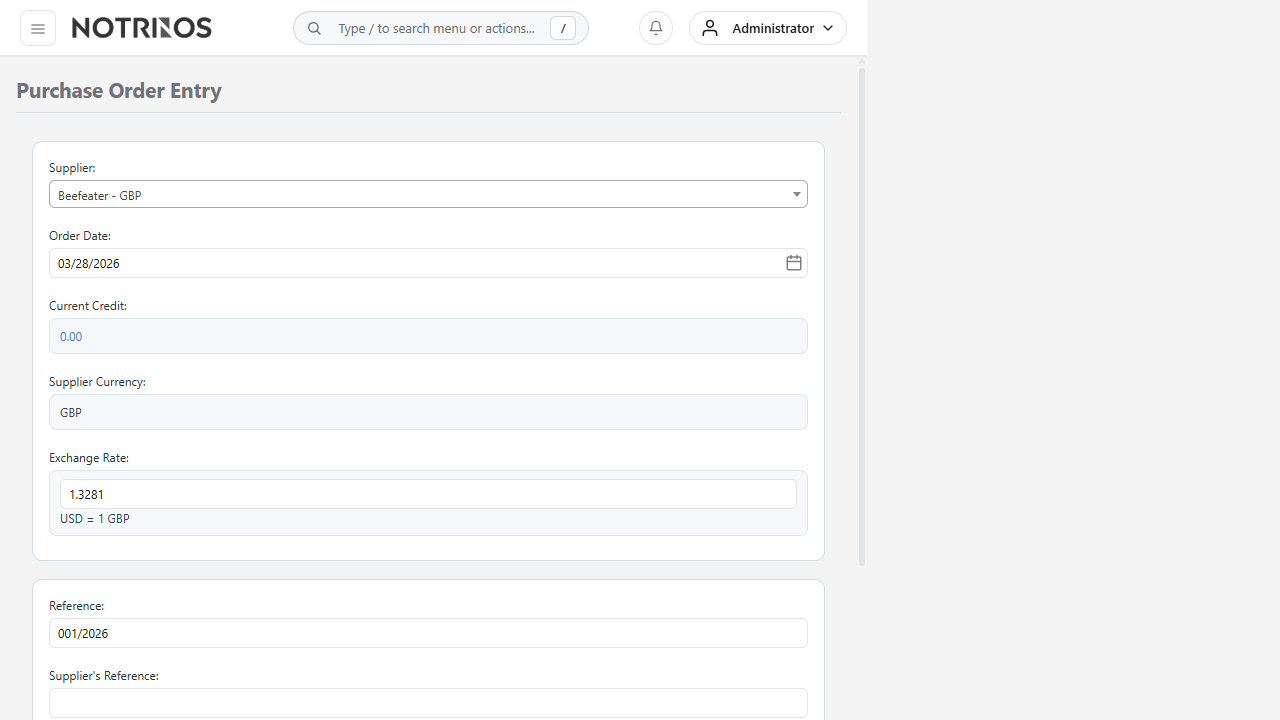
Use Purchase Order Entry to request goods or services from a supplier and establish the quantities, prices, dates, and receiving location expected by your organization.
Before you begin
- Confirm the supplier, delivery location, required date, item or service, price, tax, and approval authority.
- Use an approved supplier and purchasing terms.
- Check existing orders to avoid duplication.
Create the purchase order
- Select the Supplier.
- Enter the supplier quotation or internal Reference when required.
- Confirm the Delivery Date and receiving location.
- Select an item or enter an allowed description for a service line.
- Enter Quantity, Unit Price, tax, and the relevant account or dimension when requested.
- Click Add Item and repeat for all lines.
- Review totals, currency, tax, delivery details, and notes.
- Click Place Order and complete any required approval workflow.
After placing the order
- Send the approved order to the supplier.
- Track it in Outstanding Purchase Orders.
- Continue with Receive Purchase Order Items when goods arrive.
Tip: Put freight, warranty, packaging, and delivery expectations in the order notes when they are commercially important.