
Human Resources Module
Human Resources Module
The Human Resources module manages employee records, attendance, leave, overtime, loans, payroll, transfers, recruitment, training, and verification reports. In NotrinosERP it is both a master-data module and a daily operational workspace driven by approvals.
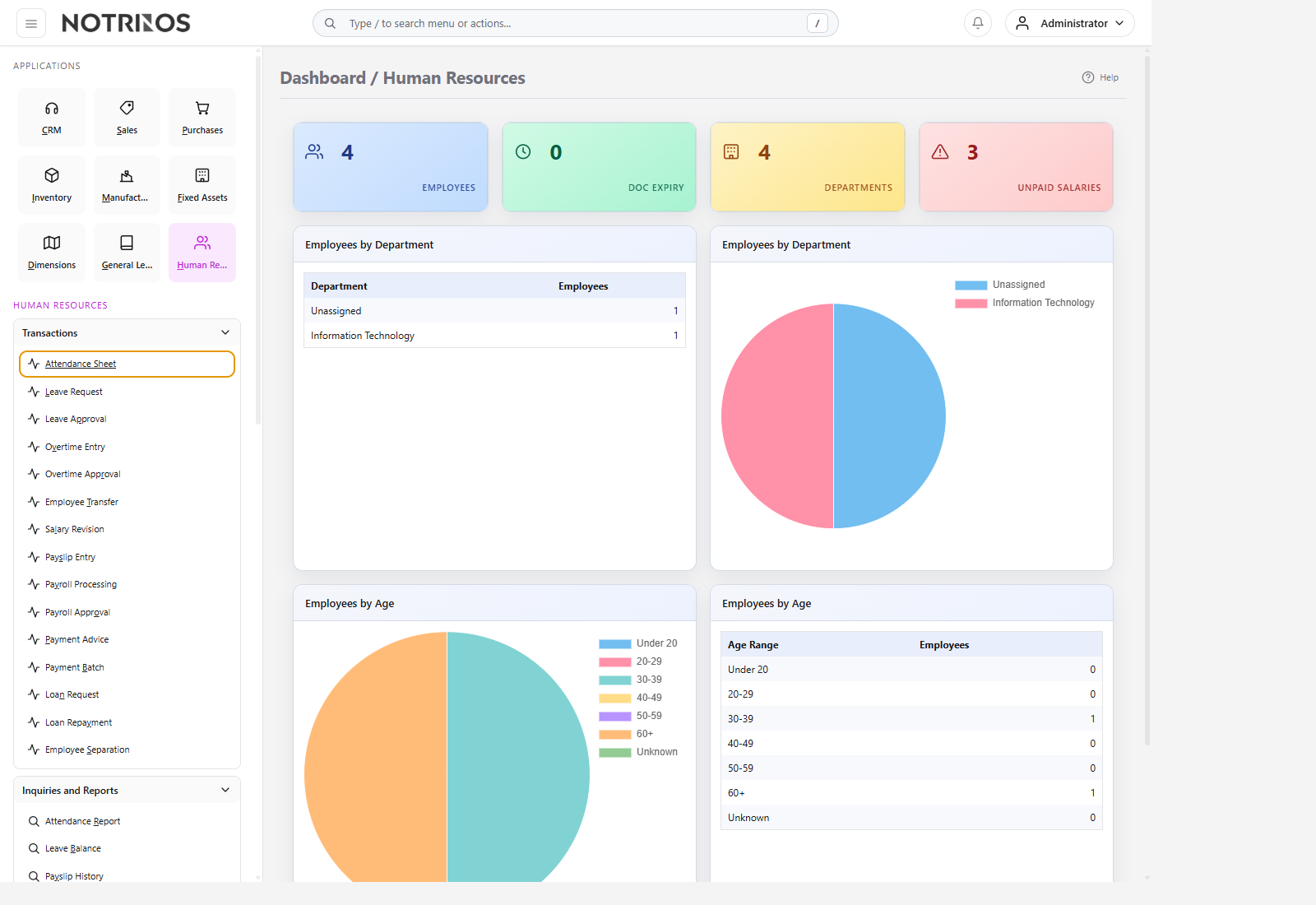
What users do here
- Set up departments, job structures, shifts, holidays, pay elements, salary structures, leave policies, overtime rules, and deductions.
- Maintain employee master data and supporting documents.
- Run daily attendance, leave, overtime, transfer, loan, and payroll workflows.
- Approve payroll-related activity and verify results through employee and departmental reports.
Typical workflow
- Complete master setup for employees, calendars, policies, and payroll components.
- Maintain employee records and attendance data continuously.
- Process leave, overtime, transfers, and salary revisions through approval steps.
- Run payroll, review summaries and payslips, then issue payment advice or batches.
- Use inquiry pages to audit balances, history, attendance, and departmental cost impact.
Start with these pages
Connected modules
- HR approvals keep operational control around leave, overtime, salary change, loans, and payroll.
- Payroll and employee cost reporting feed Finance, while departments and dimensions support management analysis.
- HR becomes much easier to operate when setup order is respected and daily attendance is kept current.
First-look advice
- Do not jump straight to payroll. Start with setup, employee data, attendance flow, and approval rules.
- Use reports after every payroll run; HR errors are cheaper to catch before payment advice is released.