
Purchases Module
Purchases Module
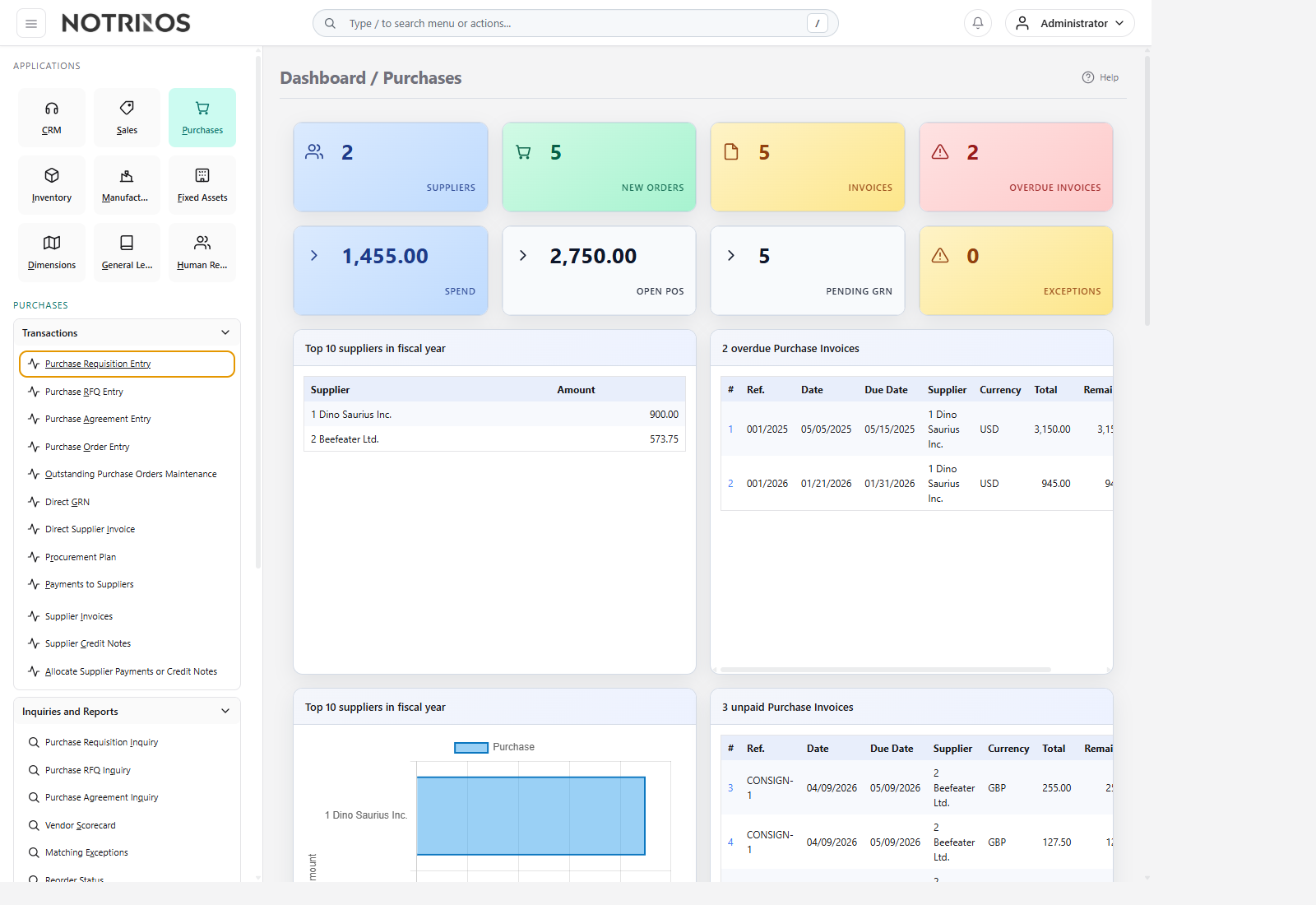
The Purchases module controls how the company requests, compares, orders, receives, invoices, and pays for external supply. This guide follows the ERPNext Buying-style section layout, but every section is based on the NotrinosERP procurement feature set.
Section structure
- Introduction - procurement purpose, flow, and module relationships.
- Setup - suppliers, purchasing defaults, and supply-side master data.
- Features - requisitions, RFQs, agreements, purchase orders, receipts, invoices, and matching controls.
- Reports - dashboards, supplier analytics, reorder visibility, and spend review.
Typical workflow
- Complete setup so suppliers, purchasing data, and defaults are ready.
- Raise a requisition or use reorder-driven purchasing when demand is identified.
- Request quotes or work from agreements where structured sourcing is needed.
- Issue a purchase order, receive goods, and validate invoice matching.
- Pay suppliers and review procurement performance from reports.
Start with these pages
Connected modules
- Purchases feeds Inventory with receipts, General Ledger with payables, and Fixed Assets when capital items are acquired.
- Replenishment, requisition, RFQ, and agreement flows support more controlled sourcing than simple ad hoc ordering.
- Direct GRN and direct supplier invoice remain useful for urgent or low-complexity buying when policy allows them.
First-look advice
- Start with supplier setup and purchase order processing, then add requisition, RFQ, agreement, and matching discipline as procurement maturity grows.
- Use inquiries and exception views often; procurement quality improves when price, delivery, and invoice mismatches are found early.