
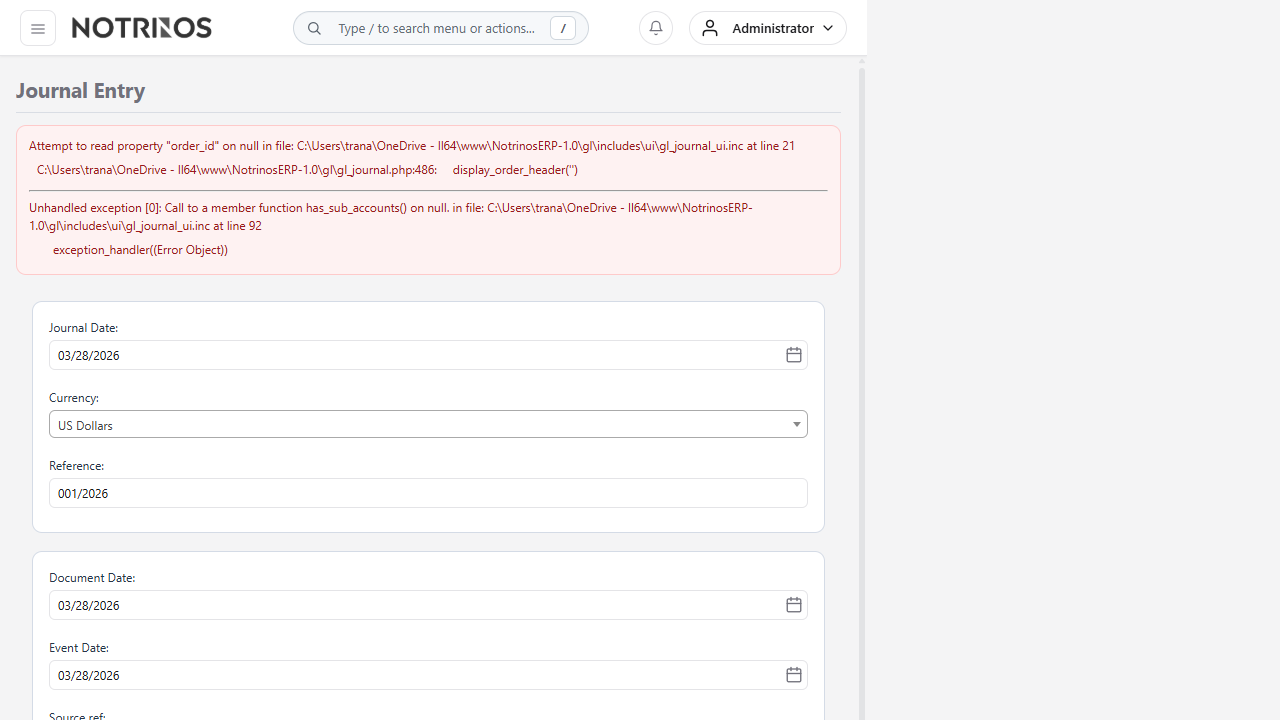
Journal Entry
Create manual General Ledger journal entries. Journals must balance (total debits = total credits).
How to Create
- Set the Date and Reference
- Add debit/credit lines:
- * Select GL Account
- * Enter Debit or Credit amount
- * Optionally assign a Dimension for cost tracking
- * Add a Memo description
- Ensure the journal balances (difference shows 0.00)
- Click Process Journal
Tips
- The system will not allow unbalanced journals
- Use Quick Entries for recurring journal patterns
- Journals can be reversed using Void a Transaction